
Duval County Court Record Requests
Figure out the court first. Then send your request to the office that holds the file. The District Clerk maintains filings and case files for the 229th Judicial District Court. The County Clerk keeps Constitutional County Court records, probate materials, copies, and certifications. A question about a hearing setting may belong to the district coordinator instead. Justice and municipal files stay elsewhere. The precinct or the city that took the matter in keeps them.
Both clerk offices sit at 400 E. Gravis Street in San Diego. The District Clerk answers at (361) 279-6239. Weekday hours are 8:00 a.m. to noon and 1:00 to 5:00 p.m. The County Clerk lists (361) 279-6272 and (361) 279-6274. Service is on the first floor. Weekday hours run 8:00 a.m. to 5:00 p.m. Call ahead to confirm the hours before you drive over.
- Name the exact court and record type.
- Give the cause number when known.
- Add party names and an approximate date.
- State which filing or order is needed.
- Ask for plain or certified form.
- Confirm fee, payment, and delivery method.
Duval Records Have Layers
Not every Duval record answers the same question. A public docket PDF tells you which matters were set on a given date. A clerk history gives you the filings in order. The images hold the real pleadings, motions, orders, and judgments. Citation payment pages are thinner still. They often show just an account and balance rather than the full municipal or justice-court record.
| Record layer | What it shows | Likely route |
|---|---|---|
| Docket PDF | Date, cause, style, setting, attorney, notes | County docket page |
| Case history | Chronological actions and filings | Clerk or integrated portal |
| Document image | Filed pleading, order, or judgment | Clerk, iDocket, or re:SearchTX |
| Citation lookup | Payment account and limited status | JP or city vendor |
| Certified copy | Clerk-authenticated record | Original clerk |
Match the layer to your task. A posted setting can confirm a hearing was planned, but only the filed order shows what the court actually ruled on the Duval County docket.
Kinds of Court Records
Each level of court keeps a different slice of the Duval County court docket. District records cover felony criminal cases and substantial civil actions. Family matters and probate or guardianship sit there too, within district jurisdiction. County Court records include county-level criminal, civil, and probate work, plus appeals from justice court. Justice courts handle Class C cases, small claims, debt claims, evictions, and repair-and-remedy matters. Municipal courts take fine-only city and ordinance cases.
Appeals from a Duval state trial case go to the Fourth Court of Appeals. It sits in San Antonio. Federal cases never become Duval County clerk records. Those run through the Southern District of Texas and PACER. Level matters here. Two parties with the same name can carry unrelated cases in separate systems.
- Pleadings and petitions
- Motions and responses
- Orders and judgments
- Service and notice entries
- Cost and payment entries
- Hearing and trial settings
Official Duval Docket Pages
The county hosts its own docket pages. The District Court docket page groups civil, criminal, trial, add-on, calendar, and assignment documents. They are grouped by date and year. The County Court docket page posts criminal dockets, add-ons, and change notices. Archive pages hold some older links. There is no guarantee every past docket stays online.
For the list in a dated PDF, these county-hosted pages are the strongest source. A PDF is not a full case history. The clerk can replace it after a move, cancellation, postponement, or new add-on. Save the PDF date and the page it came from. Then check with the clerk or coordinator that the setting still stands.
Calendar is not case file: A Duval County docket shows scheduled work. It does not automatically include every filing, order, disposition, or certified copy.
Court Records: What They Contain
Duval district docket samples carry the court, date, time, and docket type. They also list cause number, style, setting, attorney, and notes. The style is just the short case caption. The setting names the scheduled event. Notes can flag a continuance filing, custody status, a bench-warrant note, or another workflow issue. Each of those signals needs context from the clerk file before you draw conclusions.
| Cause number | The court’s identifier; copy punctuation exactly. |
|---|---|
| Style | Short caption naming the parties. |
| Setting | Event such as arraignment, motion, status, or trial. |
| Attorney | Counsel associated with that setting, not always a full representation history. |
| Notes | Calendar workflow text, not necessarily an outcome. |
| Disposition | Outcome or order status, which must not be inferred from a setting. |
A summary judgment setting means the motion is scheduled, not that judgment was granted. Likewise, a "settled" note is not a signed judgment.
District Clerk Record Route
For district filings, copies, and file inspection, the District Clerk is the practical route. Its official page links iDocket. It is a vendor case-information service. iDocket can help you locate names and case histories. Detailed access may require a subscription. Calendar coverage can have gaps. The district coordinator manages schedule logistics while the clerk maintains the filed court record.
The iDocket document service explains how to order documents from participating courts. The District Clerk's official county page, from which the image on this page comes, is the right starting point for Duval district record contact details.
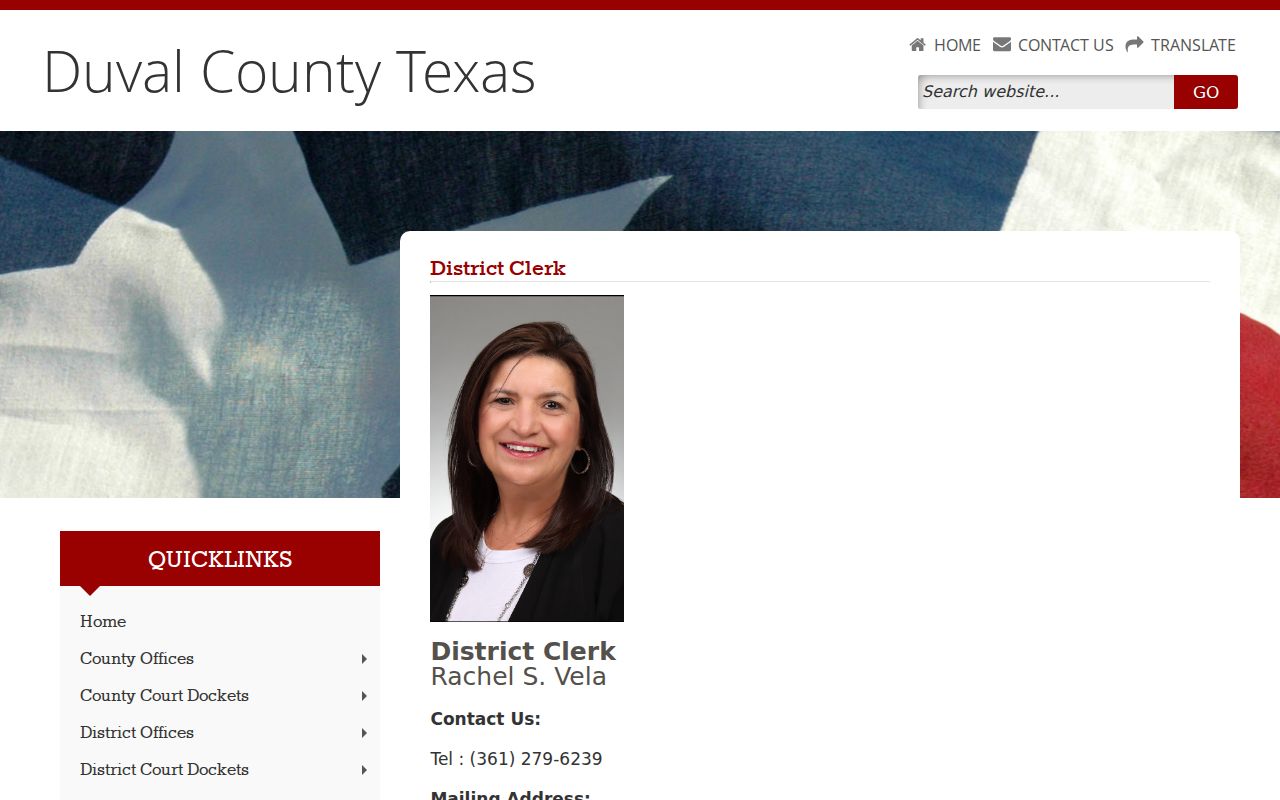
Anchor every request to that county page and its official office. When you need a complete or certified Duval County record, have the clerk's office verify anything a vendor result shows.
Copy Fees and Certification
A copy you print yourself is not a certified one. Certification means the clerk vouches that the copy matches the kept record. Not every format can get that stamp. Before you order anything, ask which formats qualify. Ask whether the file is on hand, and how payment and delivery work.
The County Clerk posts a fee sheet marked effective January 1, 2014. It prices copies at $1 per page. Clerk certification runs $5, and a records search runs $10 per name. Treat those as published historical figures. The sheet is old on its face, so it is not a promise of today's charges. Ask the office what the current cost is and how you can pay. That same sheet allowed money orders, credit cards, and checks, with no cash. It also added a returned-check fee. Whatever the sheet says, current office instructions control.
| Request | Published amount | Required check |
|---|---|---|
| Copy | $1 per page | Confirm current rate |
| County Clerk certification | $5 | Confirm per-document treatment |
| Name search | $10 | Confirm scope and current fee |
Duval Portals Versus Custodians
re:SearchTX offers statewide tools for case, filing, document-text, and hearing searches. What you can reach depends on registration, permissions, integration, and coverage. eFileTexas mainly receives filings. Its active-court labels do not promise that every Duval County document sits online. A search that comes back empty is not proof the record is missing.
The District Clerk links iDocket, which can help with district-level searches. County-hosted docket PDFs stay official for the cases they list. For Duval County case files, each clerk is the office of record. The County Clerk holds county-level files. The District Clerk holds district files. Lower-court clerks keep their own material too. The smart habit is simple. Use a portal to locate the case. Then use the clerk to verify what you found.
| Source | Good for | Not guaranteed |
|---|---|---|
| County PDF | Dated settings | Full case history |
| iDocket | District-linked lookup | All courts and documents |
| re:SearchTX | Statewide discovery | Complete Duval integration |
| Clerk | Official file and certification | Instant or free delivery |
Access Rules for Court Records
Not every Duval County court record is open. Sealing orders, redaction rules, confidentiality statutes, and case-specific court orders can all limit what a docket shows. Juvenile material, protected family information, confidential identifiers, and expunction records face extra restrictions. A redacted copy still reaches you, just with protected details masked. Sealing goes further and blocks access altogether. Nondunction and expunction are their own legal procedures, separate from each other.
The Texas courts open-records policy draws a key line. Judicial records can fall under Rule 12. Case records on file with the clerk follow court rules and other law instead. The Texas Public Information Act does not hand you one single process for every court record. So send your request to the clerk who actually holds the case file. A general county department cannot help.
Ask for only what you need to locate the record. Skip sensitive identifiers in ordinary email. The office itself will tell you if you should send them that way. One more note: a restriction may still allow some lawful requests even when it limits the online docket display. So ask the office what form of access remains available.
Verify Duval County Court Records
Verification starts with the basics. Confirm the court name, the exact cause number, the case type, and the date before you rely on anything. A scheduled setting on a docket is not a disposition. Treat those two as different things. If you download a docket, compare it against the live county page in case a setting was replaced. For a motion or order entry, request the underlying document itself. When you need legal certainty, ask the clerk whether a certified copy is available.
Know who handles what. The court coordinator often has the latest district setting, even after a published PDF goes stale. The District Clerk keeps district filings. The County Clerk handles county-court records and their certifications. Each JP or municipal clerk maintains that court's own cases. This routing saves real time. It also keeps a general public-information request from landing with an office that never had the file.
Note: Confirm fees, office hours, delivery methods, restrictions, and current record status directly with the proper Duval County clerk.